

Wallpapers
The two ribbons, coming to rest as one line, for your lock screen. Free, for iPhone and Android.
-
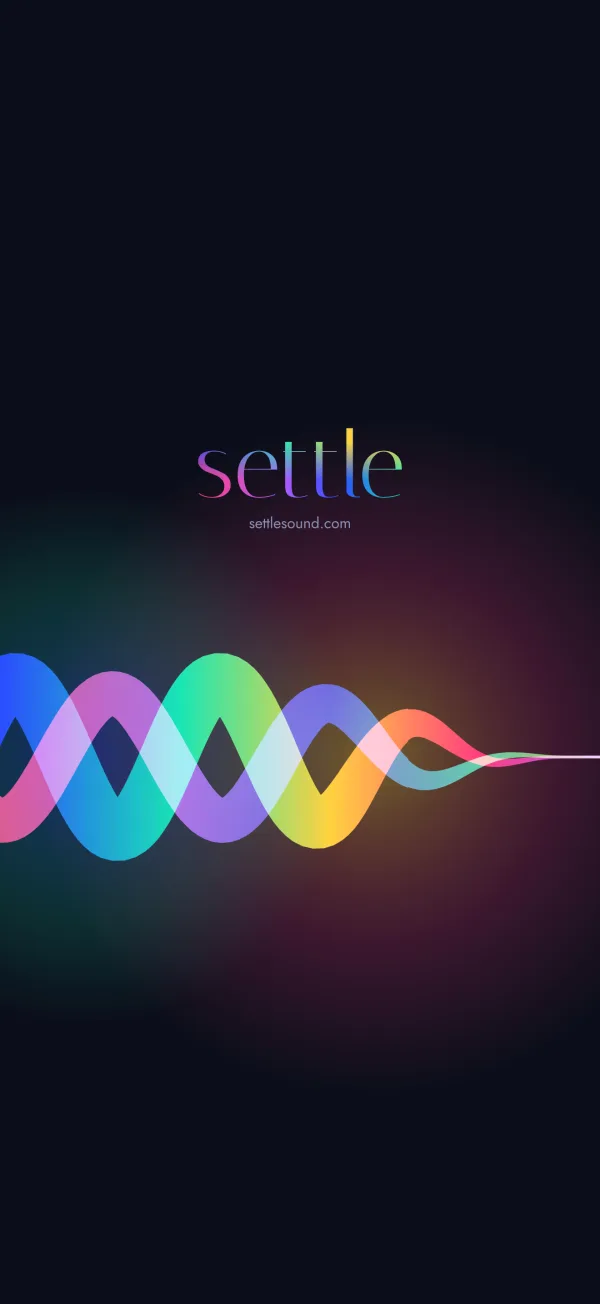
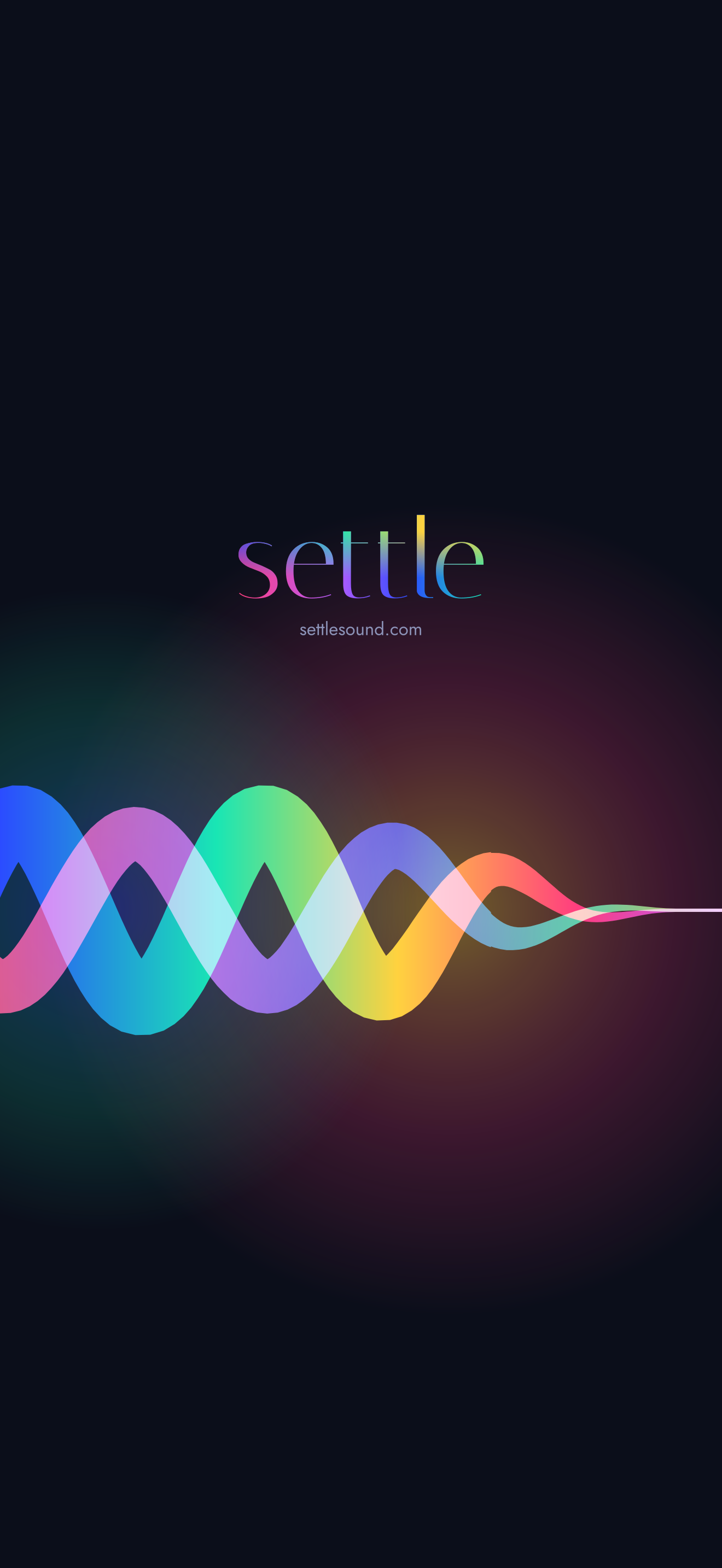
Settled
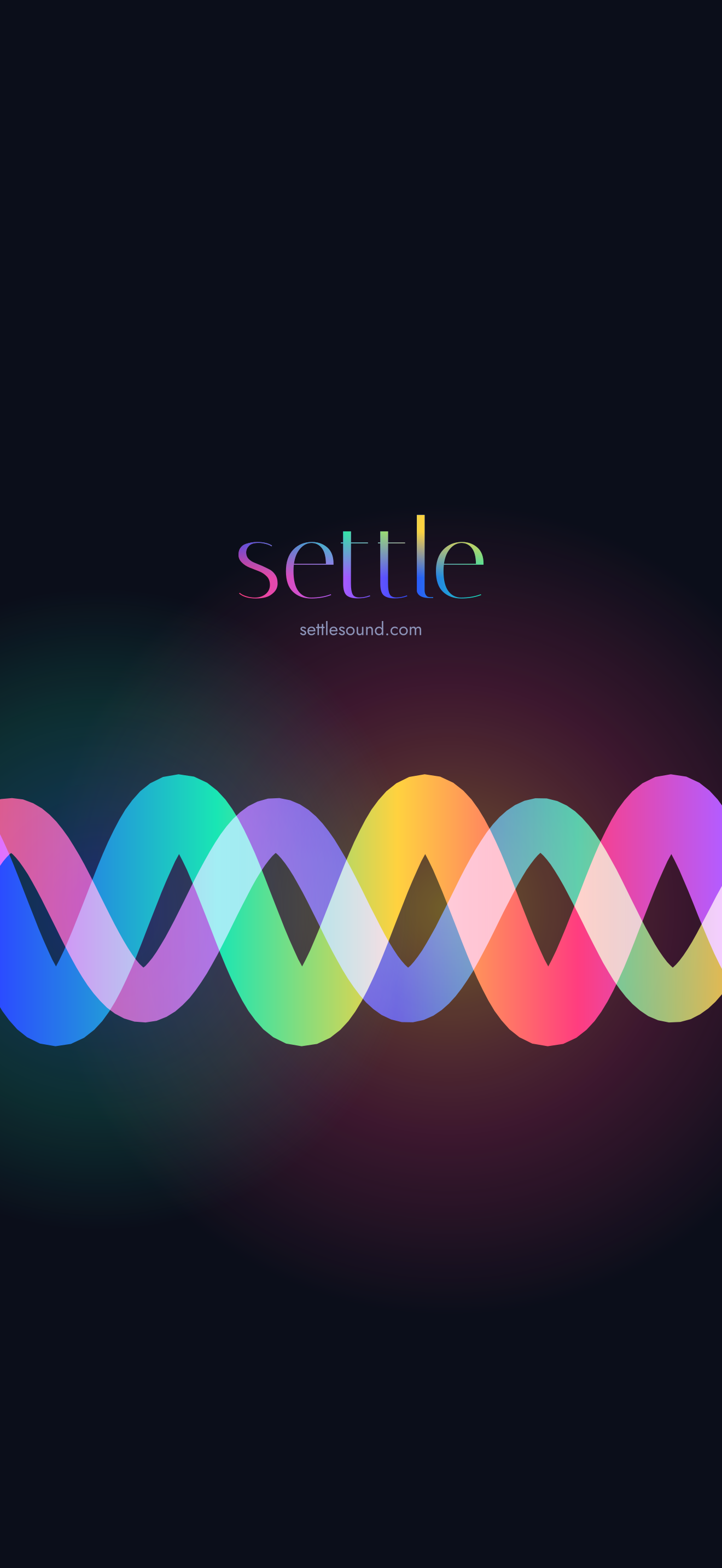
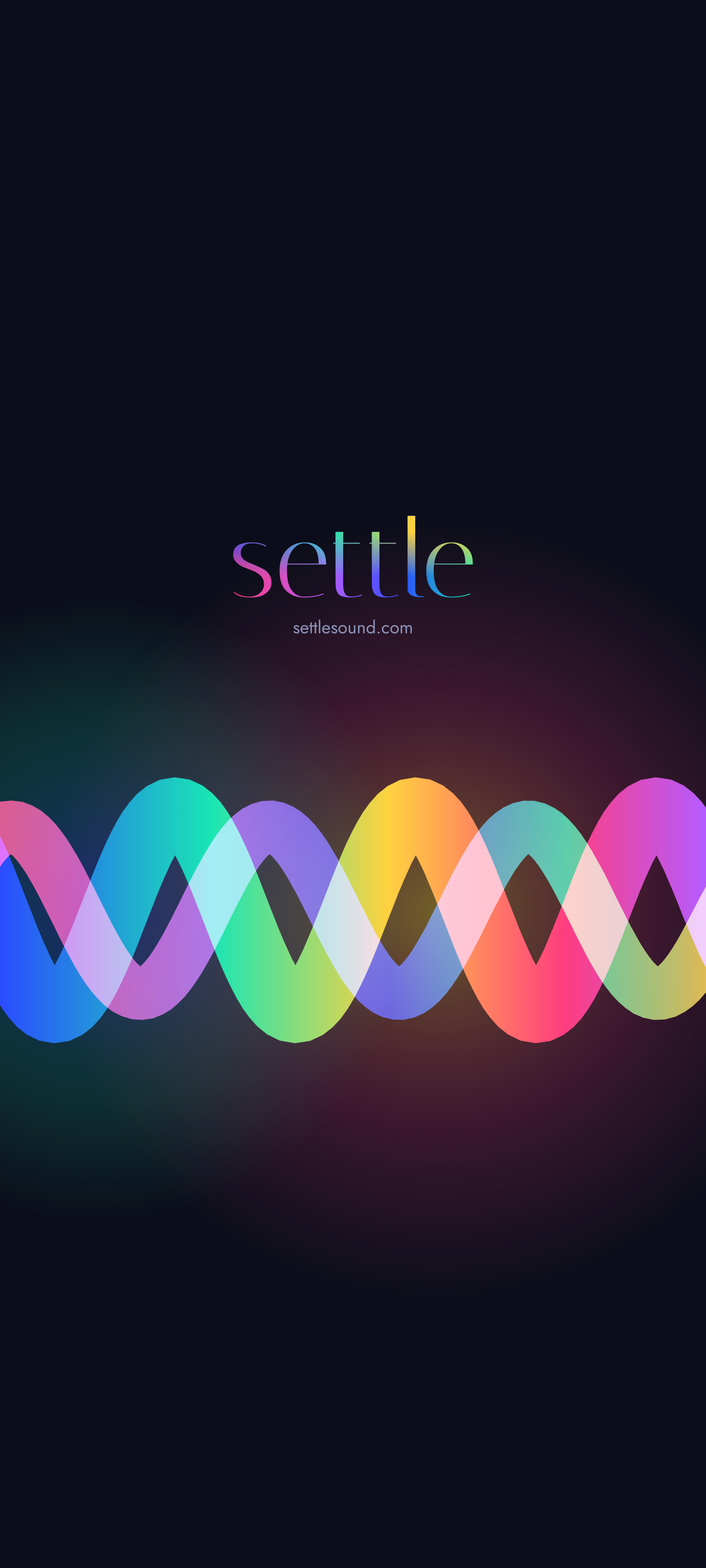
The ribbons at rest, with the light behind them.
-
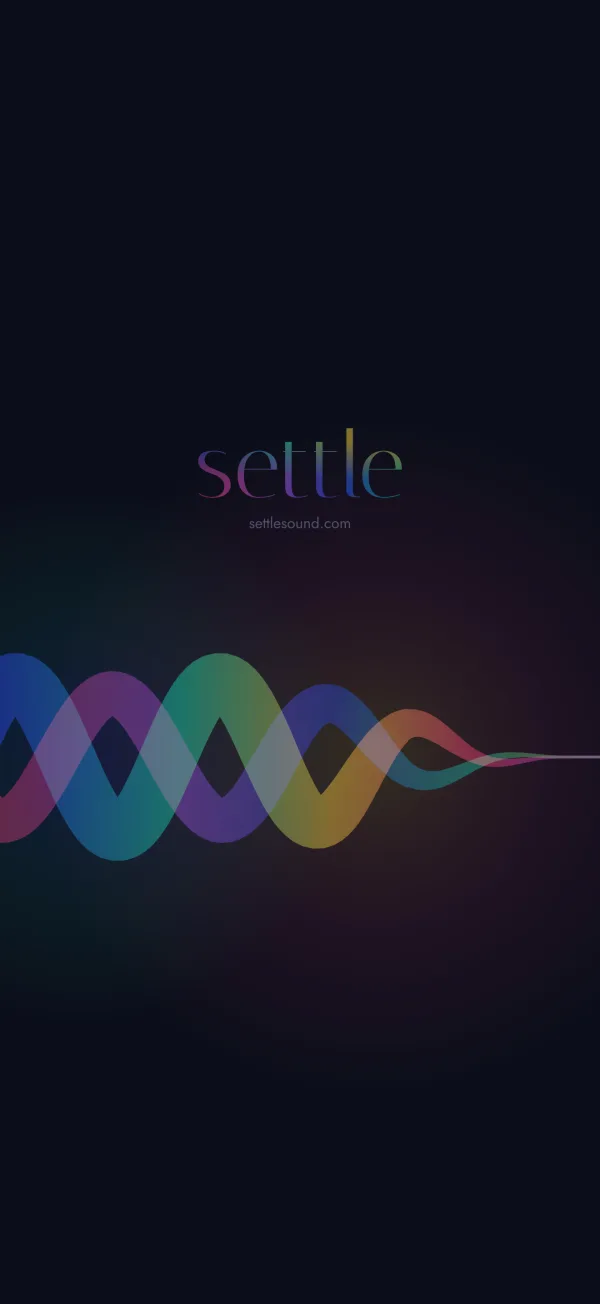
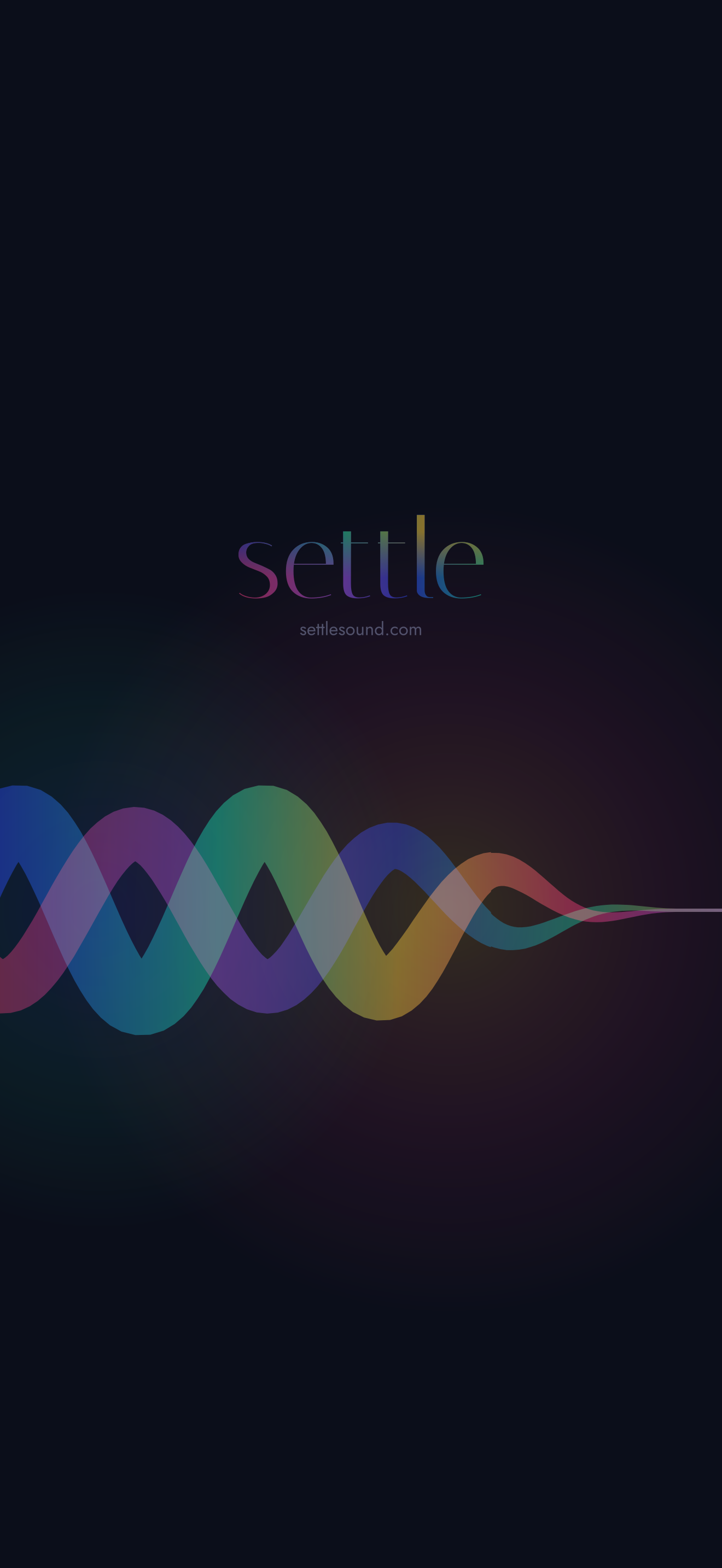
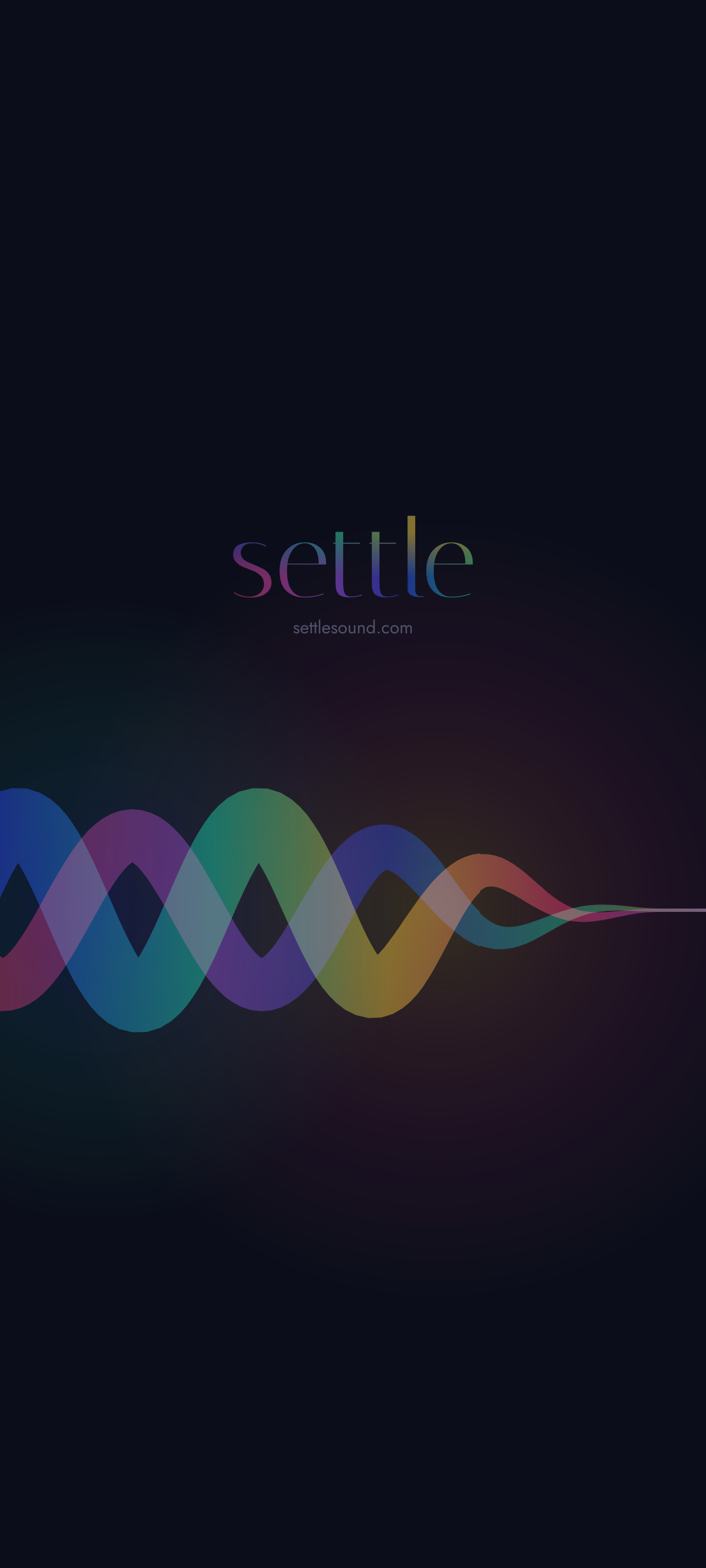
Nightfall
Dimmed, for a phone on the bedside table.
-
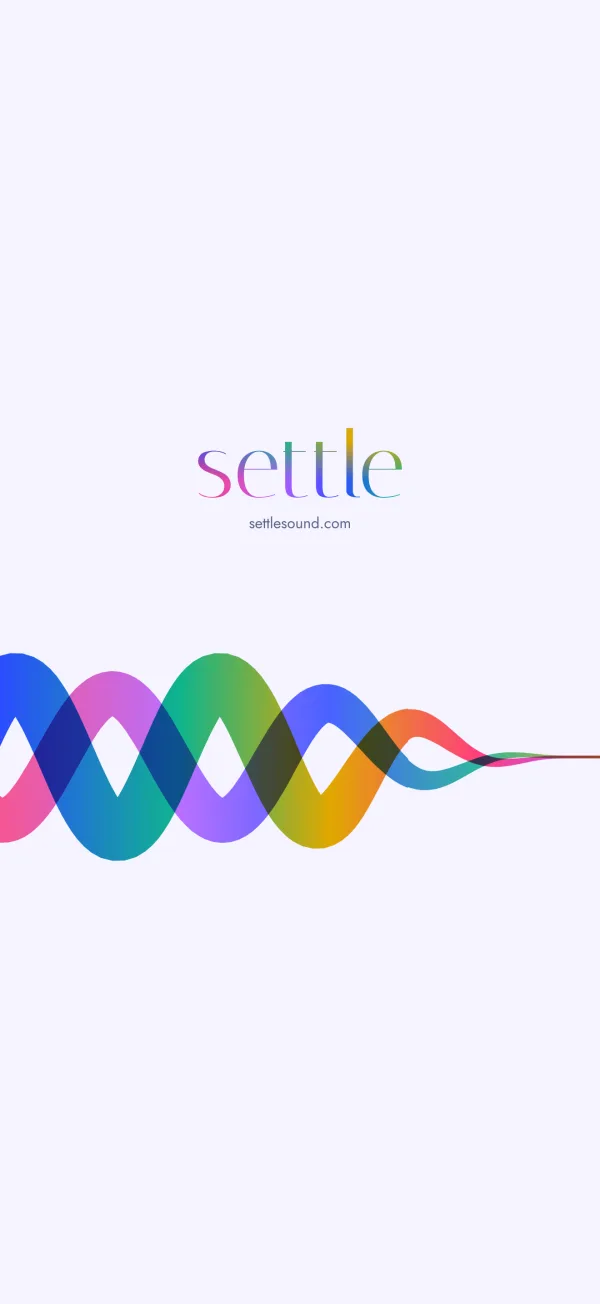
Light
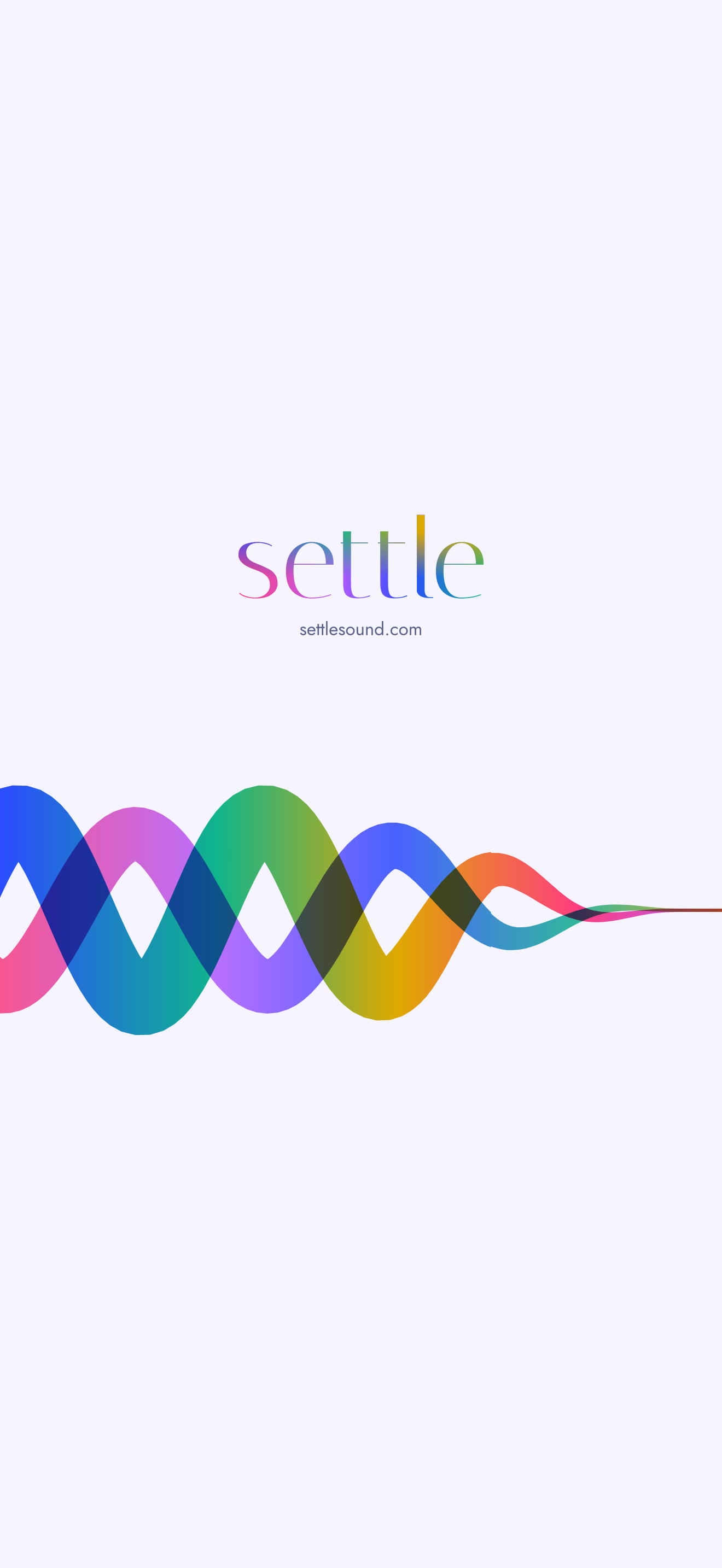
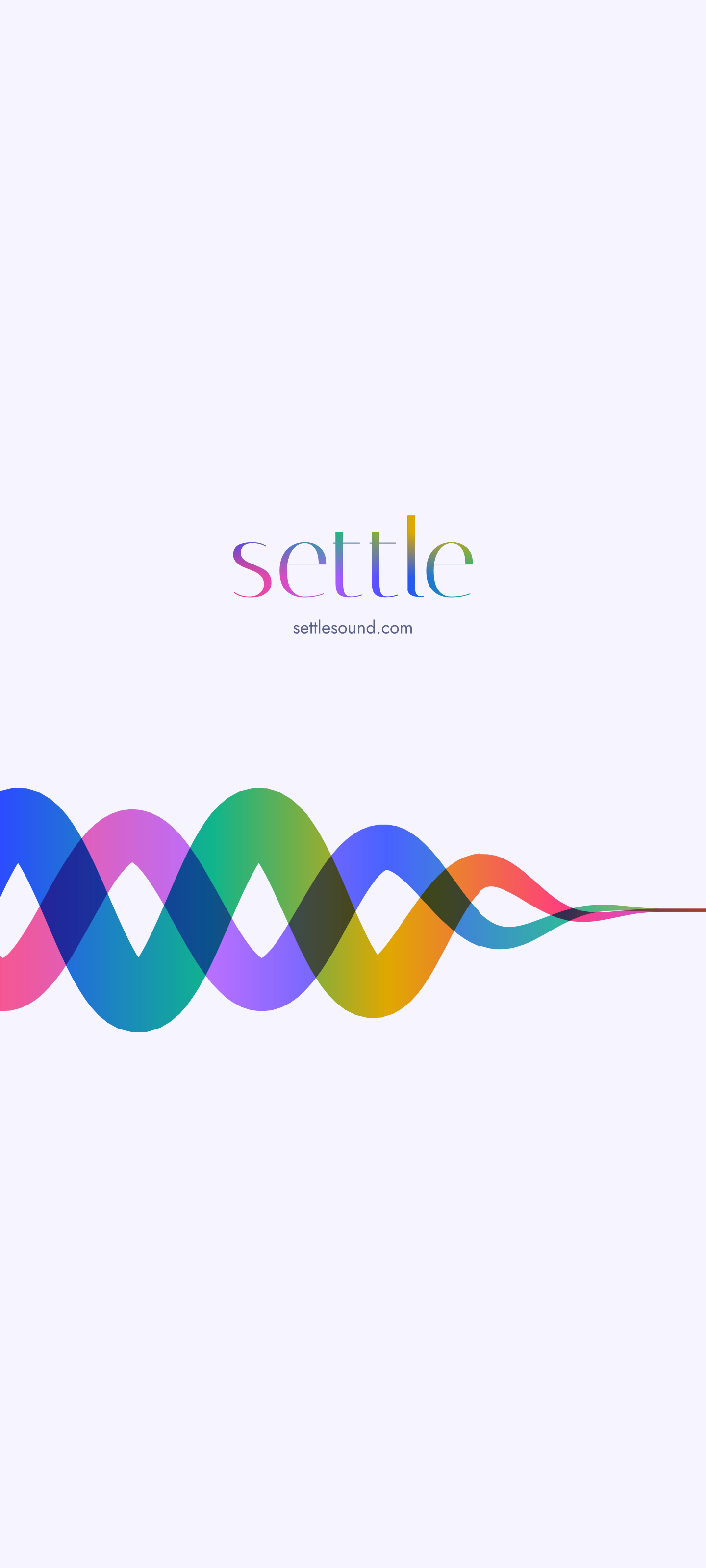
On the pale background, for the daytime.
-
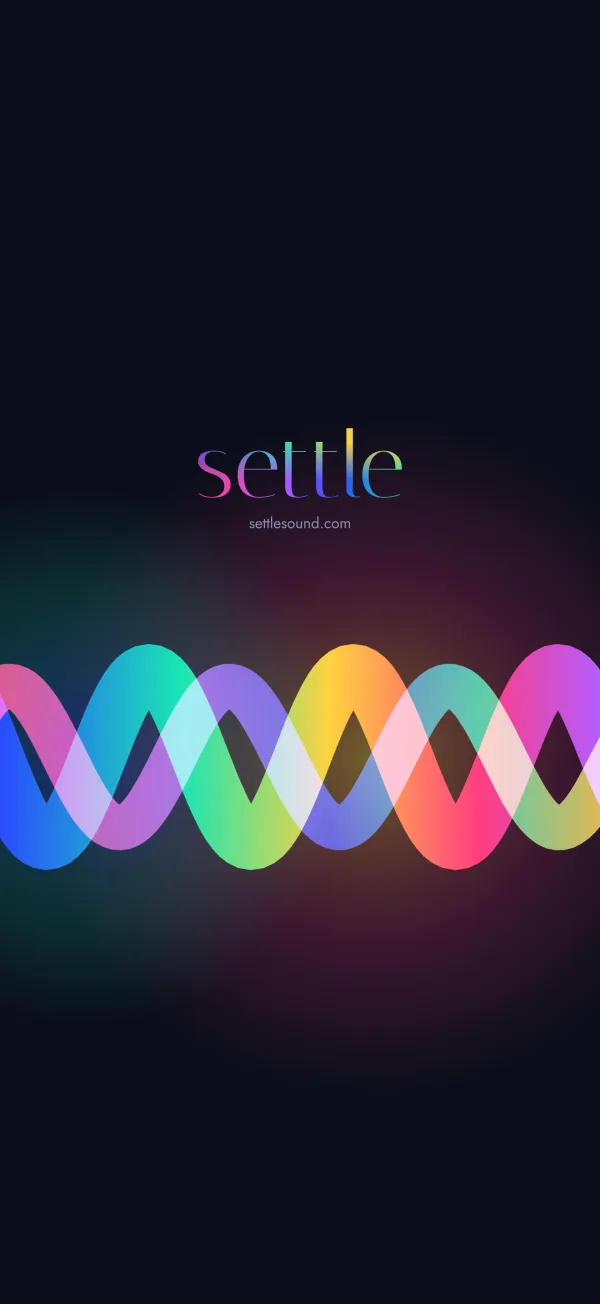
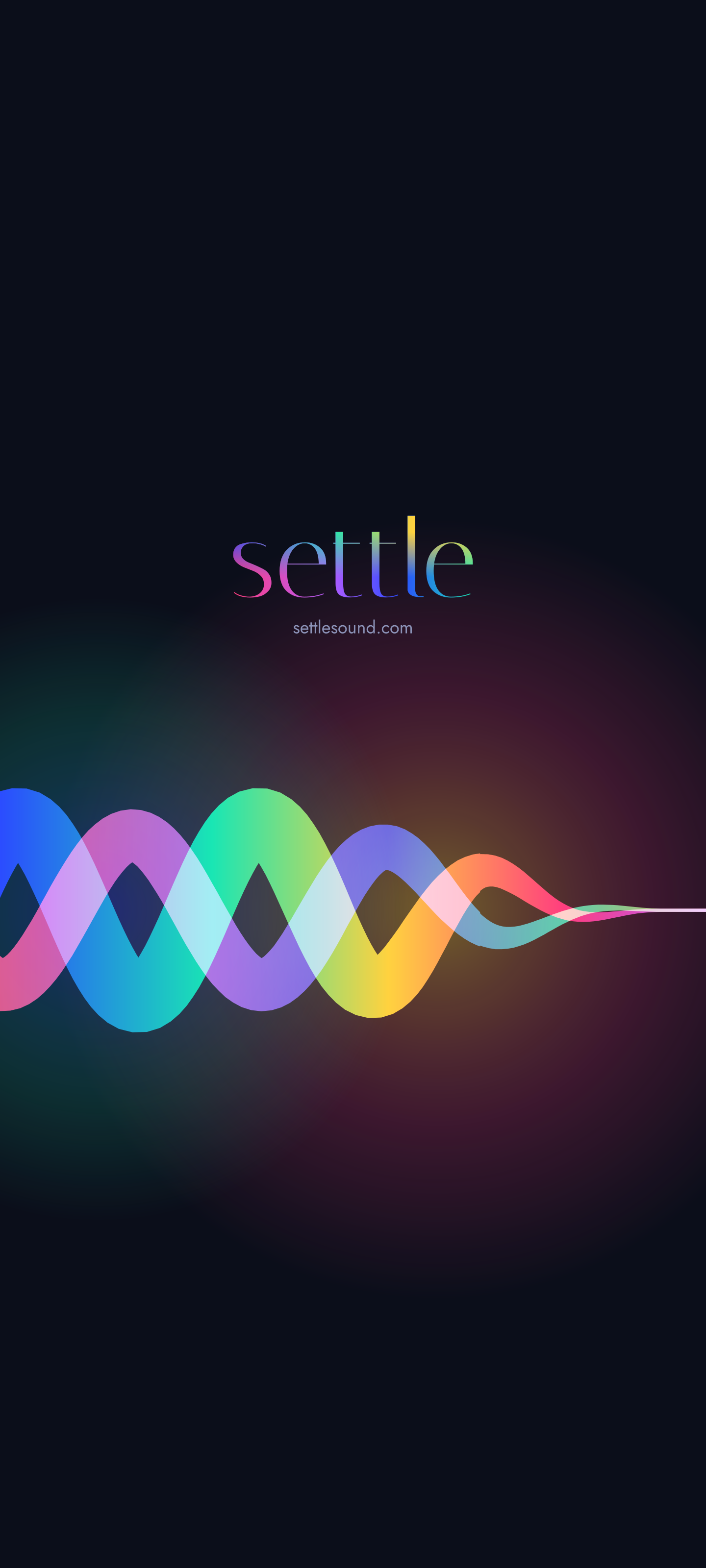
Ripple
The ribbons just before they settle.
-
Drift
Settled, drifting slowly to the right, on a 15 second loop. Android only.
Setting one
iPhone
Tap iPhone under the one you like. When it opens, press and hold it, then tap Save to Photos. In Photos, tap the share button, then Use as Wallpaper.
Android
Tap Android under the one you like. When it opens, press and hold it, then tap Download image. Open it in your gallery and choose Set as wallpaper. The steps differ a little from phone to phone.
The moving one
Samsung phones can play Drift on the lock screen: in Settings, open Wallpaper and style, choose the lock screen, and pick the video from your gallery. Other Android phones need a video wallpaper app. iPhone can’t use a video as wallpaper, so Drift is for Android.
They’re free to use on your own phone.