
Wind up for work.
The day’s started. Your head hasn’t.
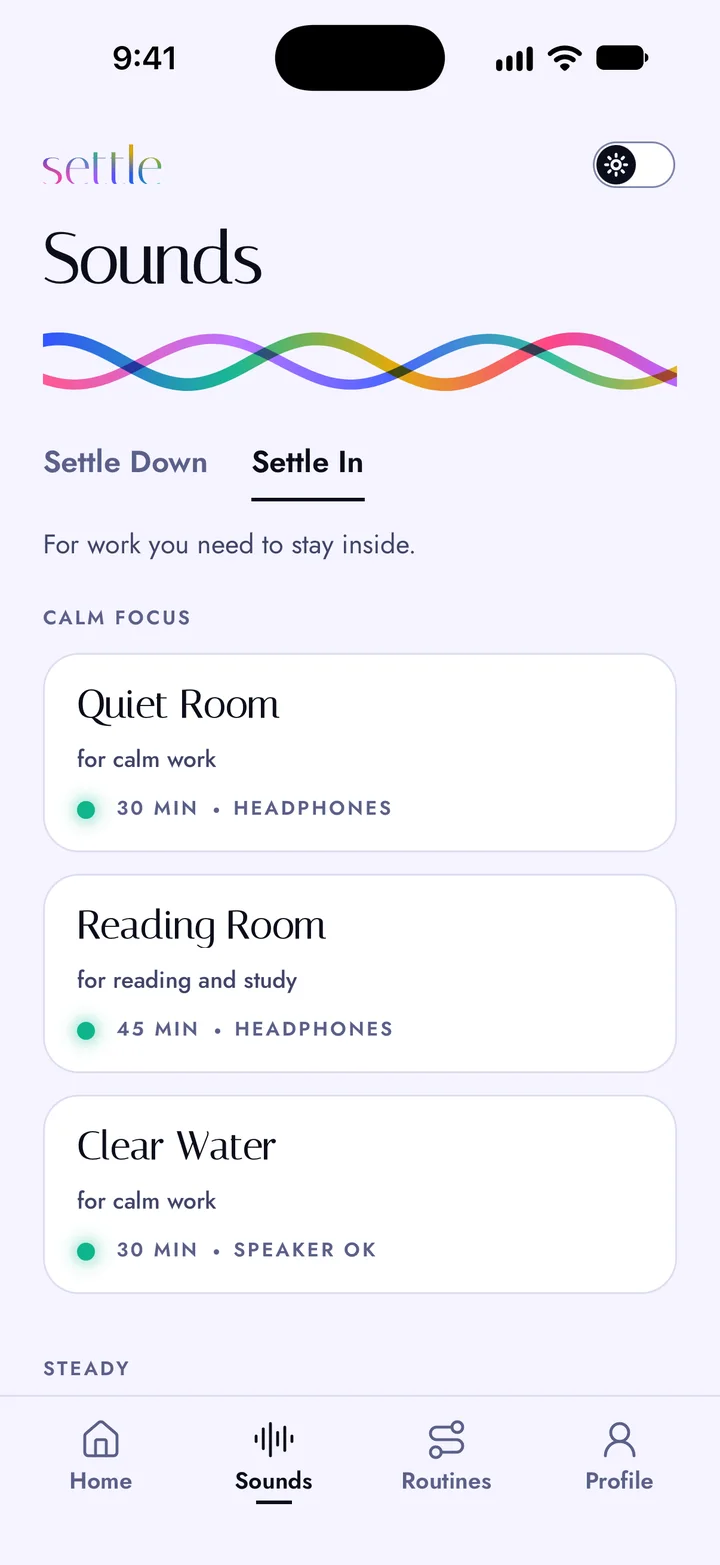
Settle In plays clean, steady sound for work you need to stay inside. No account, nothing to set up. It’s coming soon to iOS and Android.
How it goes
- Put your headphones on.
- Open Settle and press Settle In.
- Change the length in Controls, if you need to.
- Start work.
Second Coffee plays first, until you pick something else. Then that one plays next time.
Which sound, and when
- Quiet Room, for calm work.
- Reading Room, for reading and study.
- Second Coffee, for anything that needs doing.
- Clear Sky, for work that needs your full attention.
- High Noon, for after lunch.
- Tailwind, for a deadline.
No headphones nearby?
Clear Water and Tailwind play fine from a speaker. So do white, pink and brown noise.
What it won’t do
It doesn’t measure you. No streaks, no daily reminders, no account. Nothing about you leaves the phone.
Settle is an audio app, not a medical device. Some people like these sounds for focusing. The research is mixed.