
Settle Down: the hour after work, through to sleep.
Eight sounds for the hour after screens, through to sleep. Or after the kids are down. Last Light, Nightfall and Low Tide are for bedtime. White, pink and brown noise too.
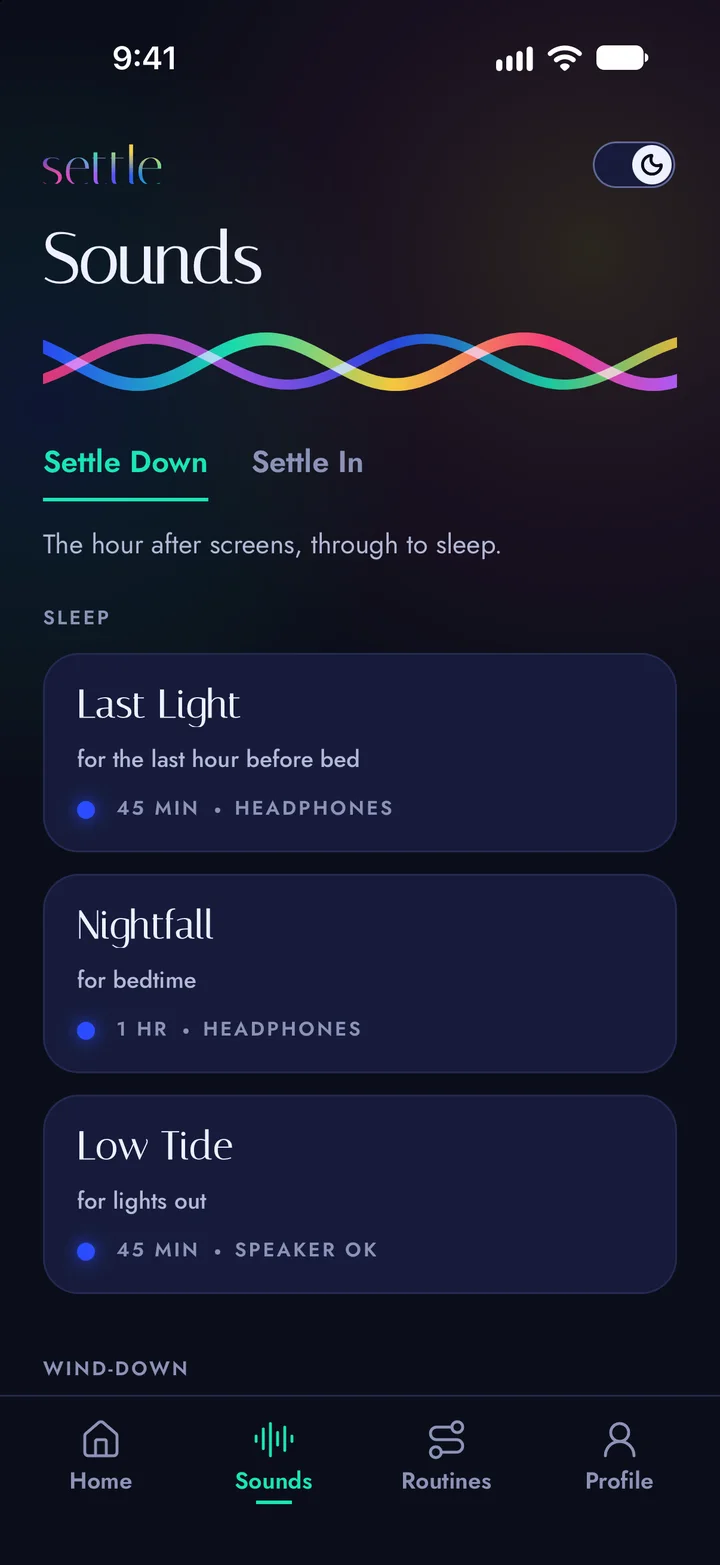


Sound to wind down after work, through to sleep.


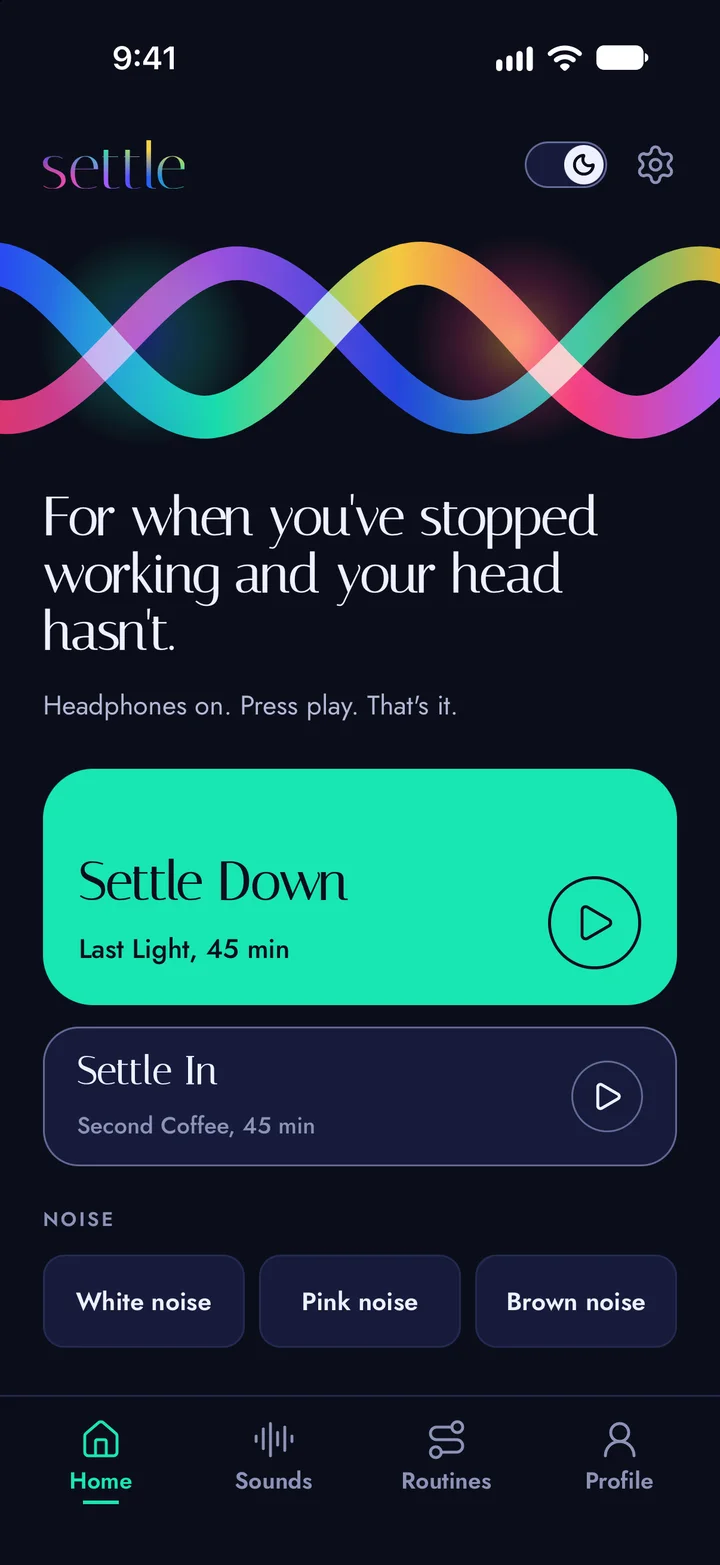
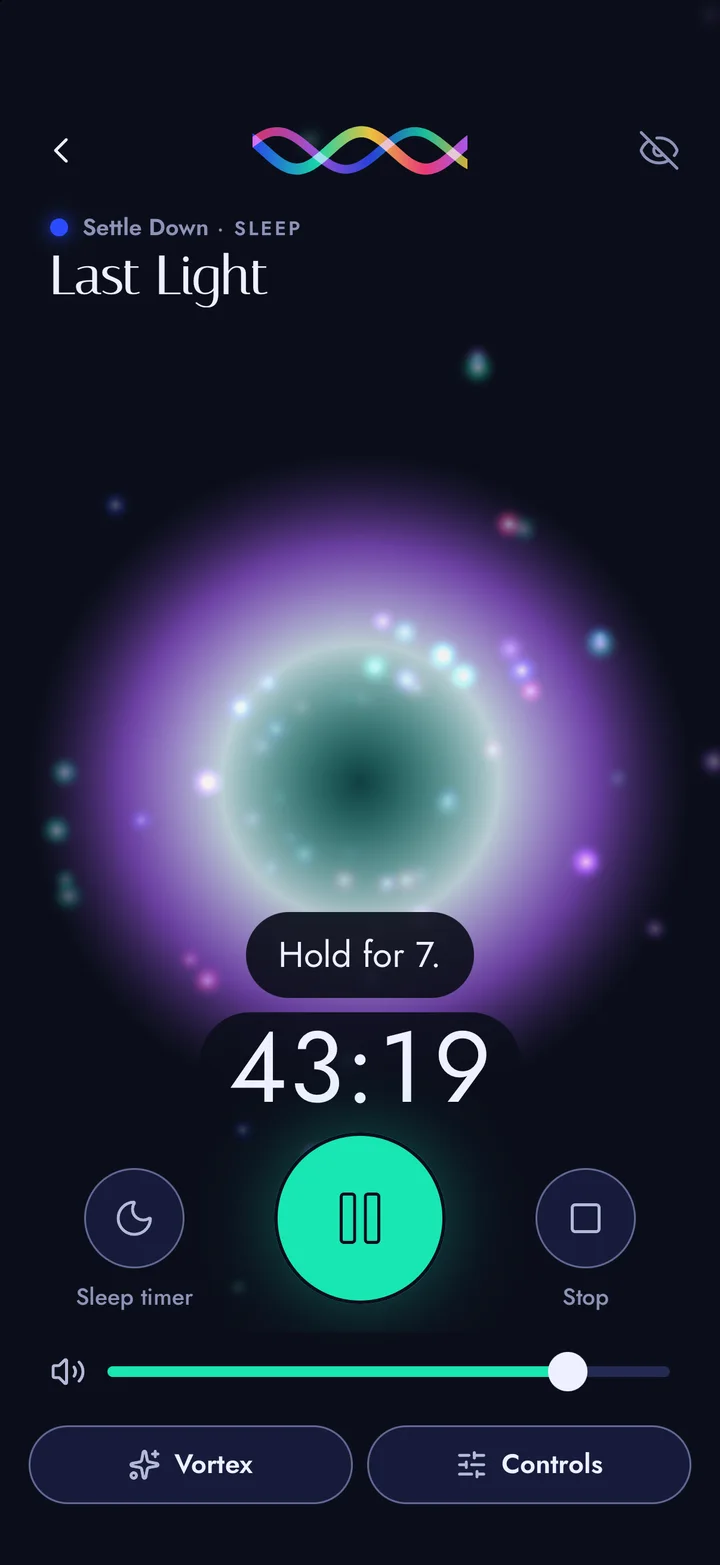
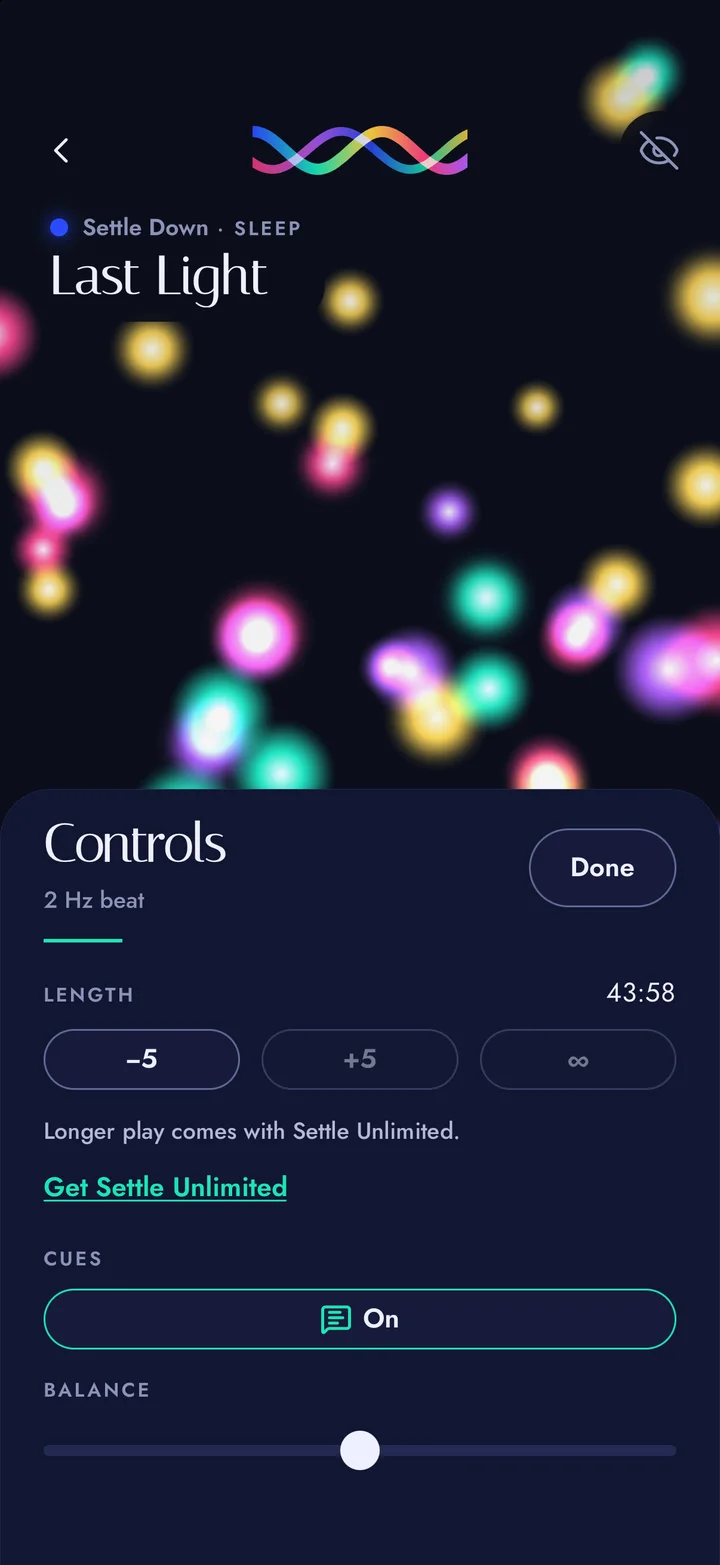
Eight sounds for the hour after screens, through to sleep. Or after the kids are down. Last Light, Nightfall and Low Tide are for bedtime. White, pink and brown noise too.
It fades out, then stops, on the sounds and the noise. Leave a sound playing and the screen dims.
Length, cues and balance sit in one sheet, for when you want them.
Pick a visual while the sound plays and see it behind the controls. Or turn visuals off and keep the sound.
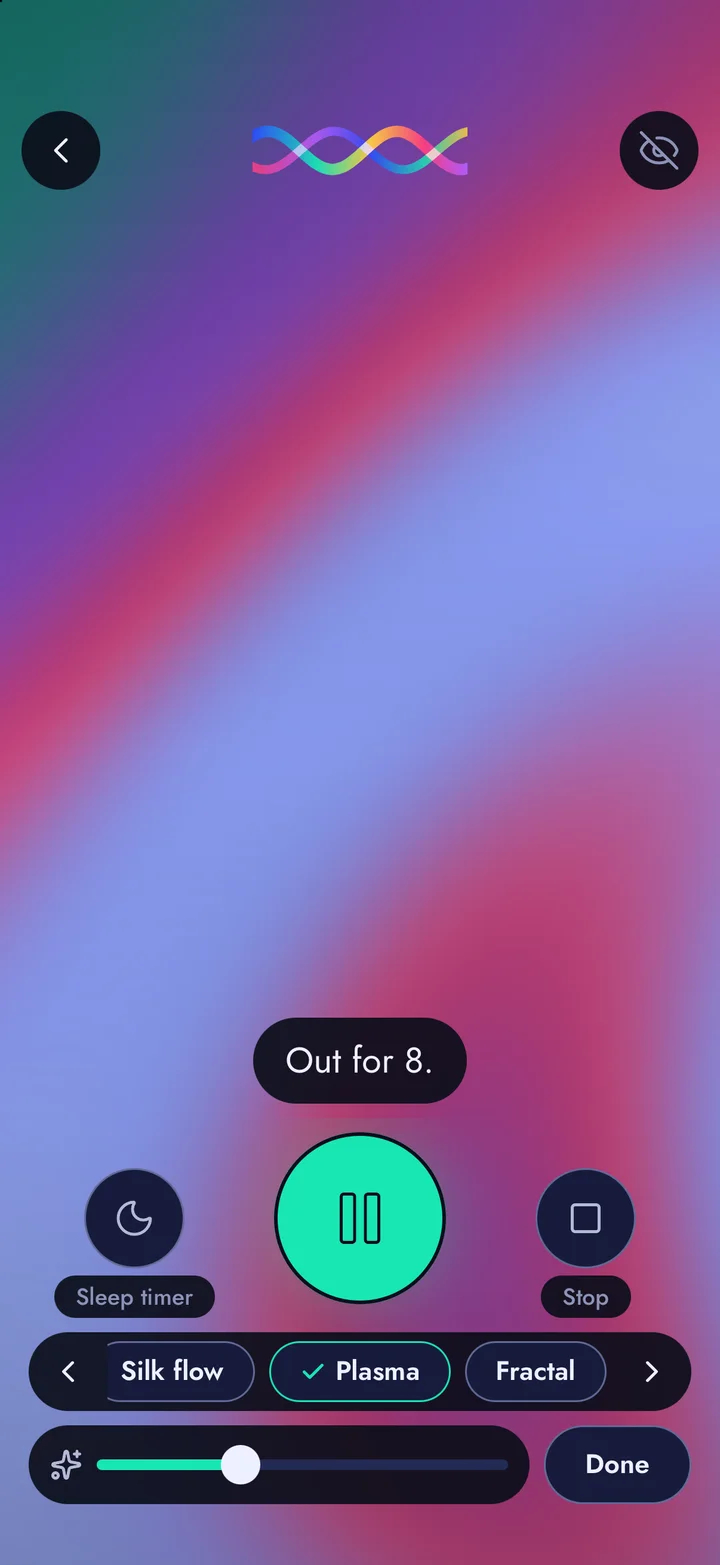
Visuals move with the sound and change in brightness.
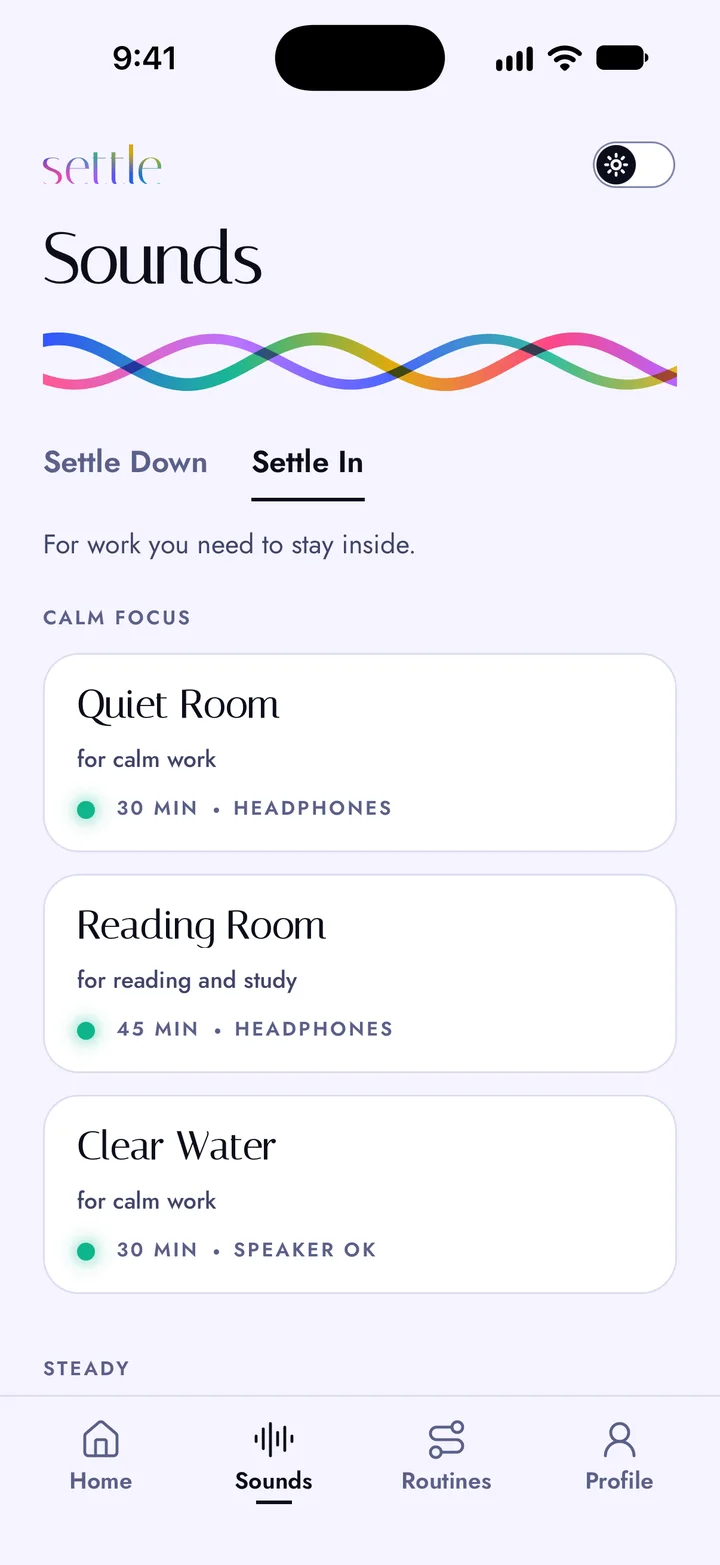
Same engine, earlier in the day. Seven sounds, each named for the job: Quiet Room for calm work, Reading Room for reading and study, Second Coffee for anything that needs doing, High Noon for after lunch, Tailwind for a deadline.
Headphones on. Press Settle In. Start work.
Set a length, or let it play to the end. No streaks, no reminders, no account. Light or dark, your choice.
White noise is for drowning out a noisy room. Pink noise is for a softer hiss, day or night. Brown noise is for a deep, steady rumble.
The difference is pitch. White is even from top to bottom. Pink leans lower. Brown leans lowest. All three are free for an hour at a time, and play fine from a speaker in either mode. Settle Unlimited lets them run all night.
Some of the sounds use binaural beats. They need both ears, so wear headphones. Some people like them for winding down or focusing. The research is mixed. Everything else, including the noise, plays fine from a speaker. See the studies.
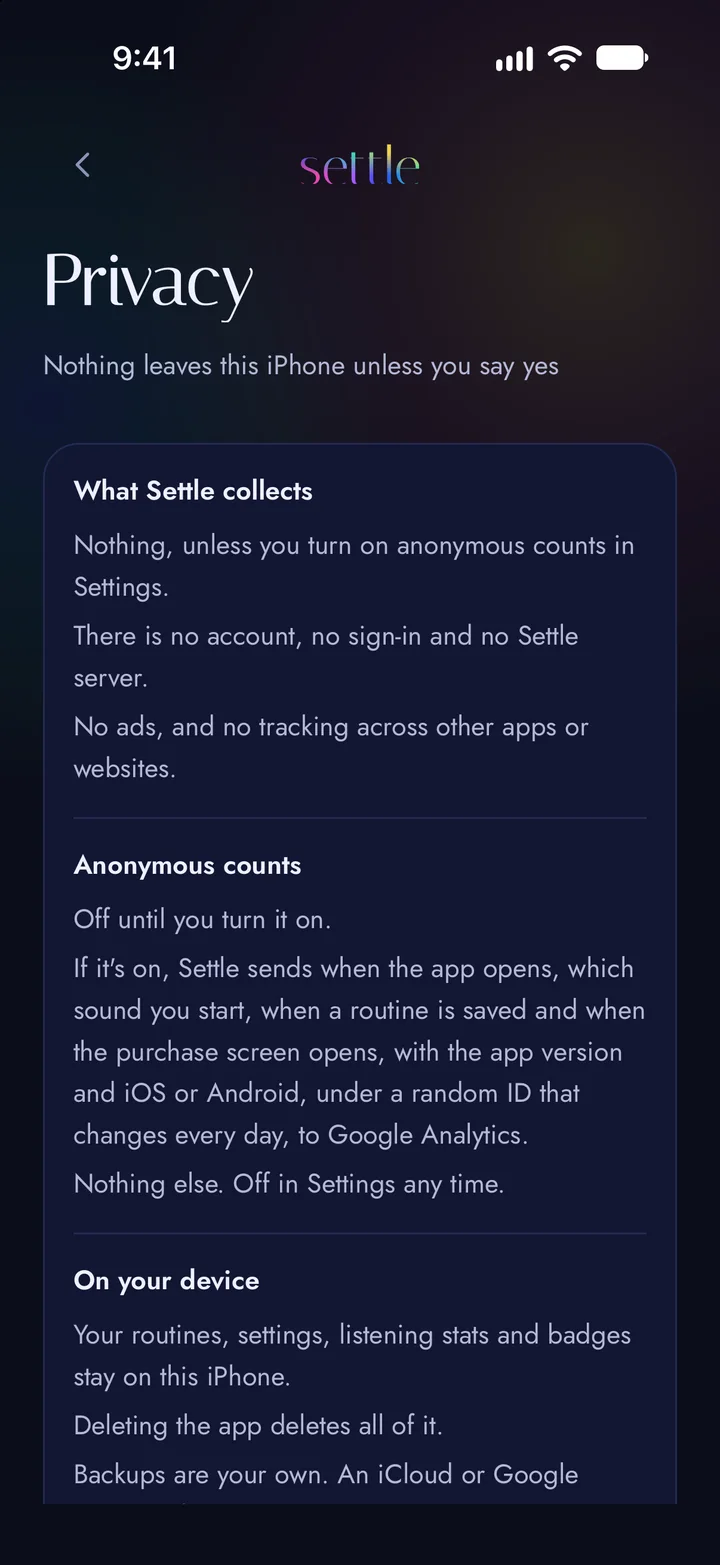
The sound is made on the phone as it plays, so it works on a plane, or on a property with no signal.
Settle asks once whether it can keep anonymous counts of what gets played. Say no and nothing is sent. What it counts.
A routine is one sound, not a list of them. Something to wind down with, then something for bedtime, then noise until morning if you want it. One moves into the next with no gaps, and the sleep timer you set covers the whole thing.
Three come ready to play, and your first saved routine is free, with up to two sounds. Settle Unlimited is as many routines as you like, and any sound playing as long as you like.
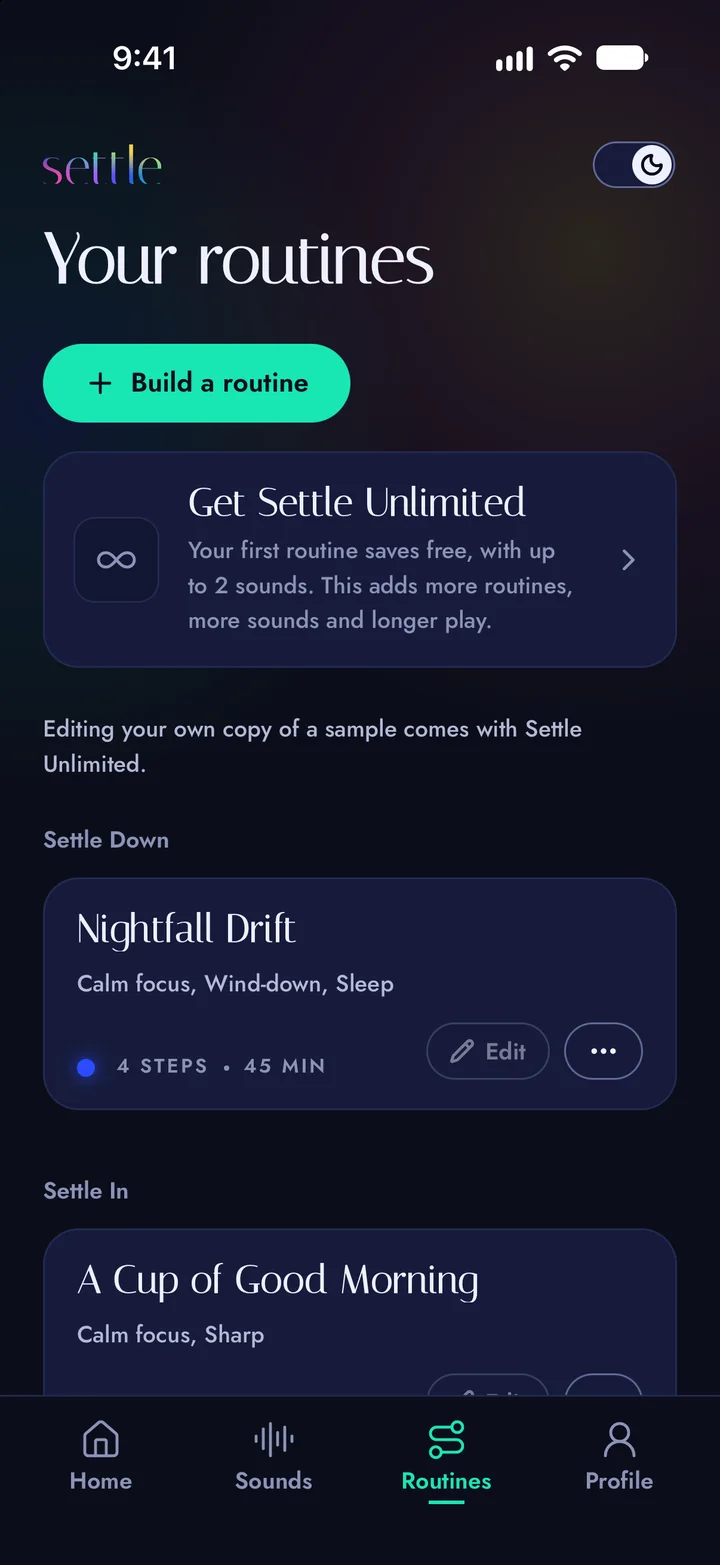
For the binaural sounds, yes. The beats need both ears to be heard. Each sound says Headphones or Speaker OK, and the noise plays fine from a speaker.
Pick a time, from 15 min to 1 hr 30 min. The sound fades out over the last 90 seconds, then stops. No chime. It still runs with the screen locked. On the free app a sound stops at its full length, so a timer set past that just runs out.
With Settle Unlimited, yes: open Controls and set Length to No end. Free, every sound and noise plays its full length, up to an hour. It keeps playing with the screen locked. Keep the volume comfortable.
Every sound is free at its full length. So are the three sample routines and your first saved routine, with up to two sounds. Settle Unlimited adds more routines, more sounds in each, and longer play. It’s one purchase, once, and the App Store or Google Play shows the price in your own currency. Nothing renews.
No. An iPhone purchase covers your iPad on the same Apple Account, and your family group on the App Store. The App Store and Google Play keep purchases separate. It doesn’t move to Android, or the other way.
Nothing, unless you say yes to anonymous counts. Then it counts what gets played, under a random ID that changes every day, and you can turn that off in Settings. There’s no account and no ads. This website counts visits too: see the privacy policy.
No. Settle is an audio app. It does not diagnose, treat, cure or prevent any medical condition. If you have epilepsy, a heart condition or a pacemaker, or you’re pregnant, check with your doctor before you use it. Don’t listen while driving or using machinery.
The one that plays sound, from Clermont Digital. Search Settle Sound on the App Store or Google Play. The store name is Settle: Sound to wind down.
More on the support page, or email [email protected].
Settle comes from Emma and Steve Coochin, who run Clermont Digital, a digital agency in Clermont, Queensland. We built it for ourselves first. After a day of devving, Steve’s head kept running code. After hours in front of screens, Emma’s wasn’t much better. We both use Settle In to lock in on deep work too.
There’s no account because we didn’t want one. It works offline because the phone service out here is patchy to none. It’s pay once because we’re tired of apps that bill us every month, and we wanted something that opens and plays, with no account to make and no ads in the way.
Email [email protected] and a person answers.
Settle is an audio app, not a medical device.
Apple, the Apple logo, iPhone and iPad are trademarks of Apple Inc., registered in the U.S. and other countries. App Store is a service mark of Apple Inc. Google Play and the Google Play logo are trademarks of Google LLC.